
https://www.youtube.com/watch?v=oSREZoWfUDM
1. Go to the "Client Site Data" window, select Job tab
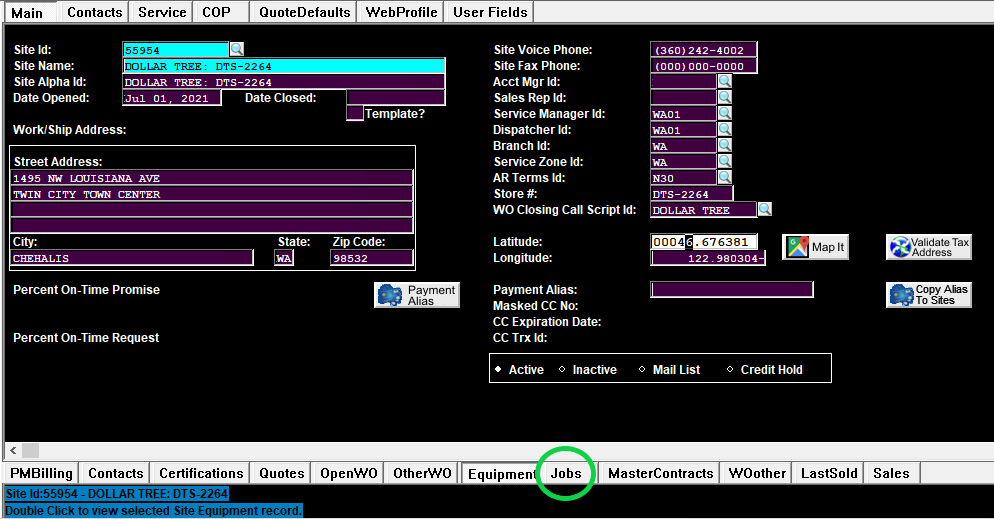
2. Select non-PM job

3. Copy Job name
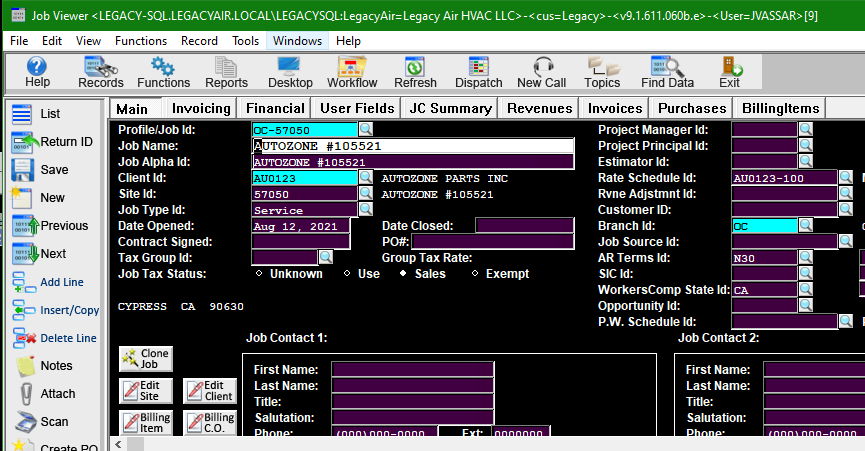
4. Click on "Profile/Job Id:" field and type in the PM job template name. In this case, the site's branch is OC so we type OC-TEMPLATE-PM and hit enter twice.